
Freelance Video Editing Jobs for Beginners
The honest beginner guide to freelance video editing jobs, where to find clients, how much to charge, what tools to learn, and how to build a portfolio when you have zero experience.
My first paid video editing gig paid me $35 for six hours of work. I thought I had made it. I had not. But it was the most educational $35 I ever earned.
I got into freelance video editing the way most people do — completely sideways. I was not a film school graduate with a reel and a mentor. I was a student who had started making YouTube videos for fun, learned editing out of necessity, and one day someone in a Facebook group asked if I could edit real estate walkthrough videos because his current editor had gone missing.
I said yes without fully knowing what I was agreeing to. That was three years ago. Now video editing is a serious income stream, and the market in 2026 is busier than ever. The good news is simple: Freelance Video Editing Jobs for Beginners are real, but you need to treat editing like a professional skill, not just “cutting clips.”
Clients do not only pay for transitions and effects. They pay for reliability, clean communication, fast delivery, understanding content style, and knowing how to make videos easier to watch.
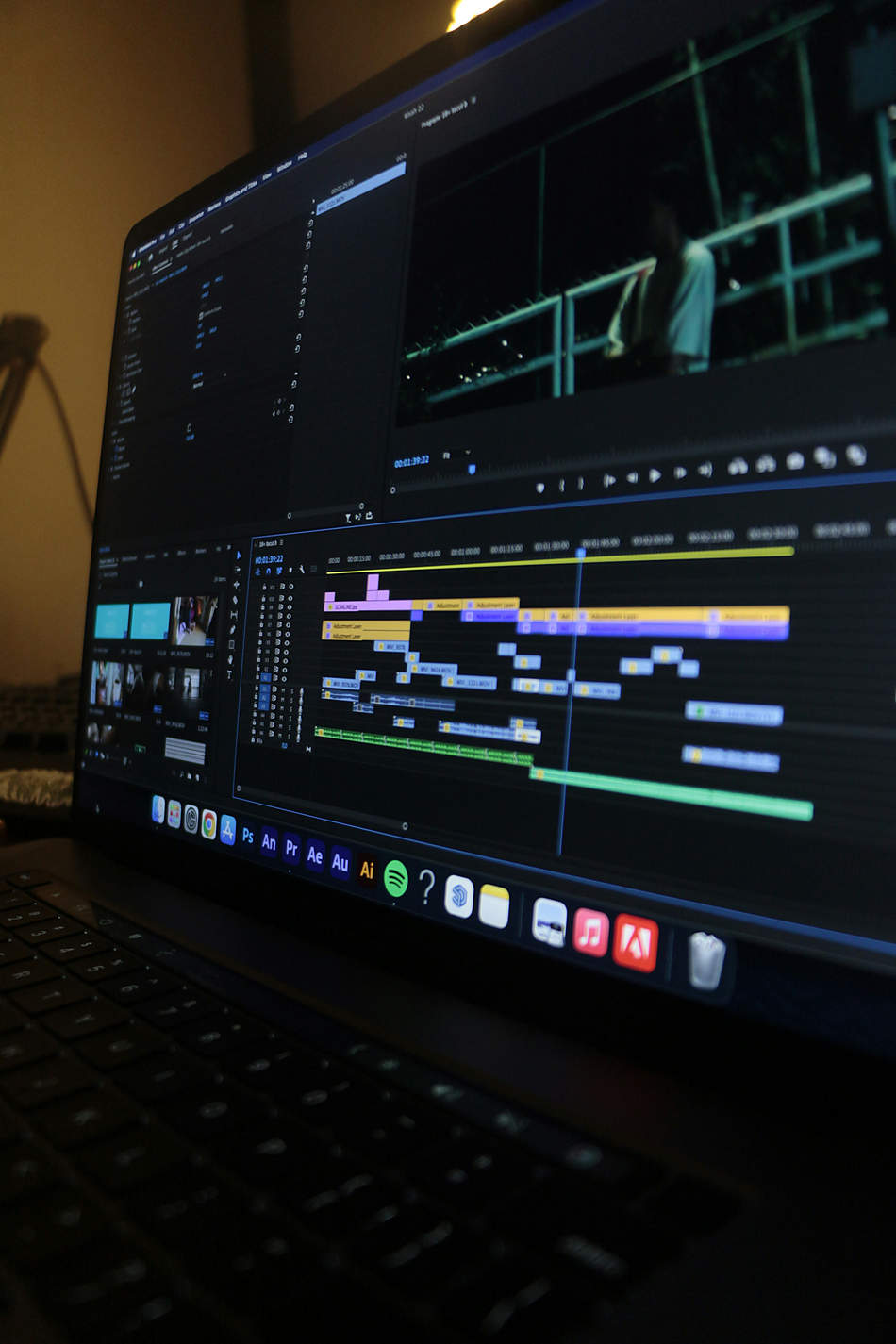
The Video Editing Landscape in 2026
The demand for video content has not slowed down. Short-form video across TikTok, Instagram Reels, YouTube Shorts, and LinkedIn has created a huge market for editors who can deliver quickly and consistently.
YouTube creators, podcast hosts, real estate agencies, course creators, e-commerce brands, coaches, and marketing agencies all need editors. The difference in 2026 is that clients are more specific. They may not just ask for “edit my YouTube video.” They might ask for jump cuts, B-roll, dynamic subtitles, short-form clips, podcast cuts, and captions all in one package.
A client may ask for one video, then later add subtitles, B-roll, thumbnails, Shorts, revisions, and extra formats. Beginners must define deliverables clearly before starting.
The Software Question Beginners Overthink
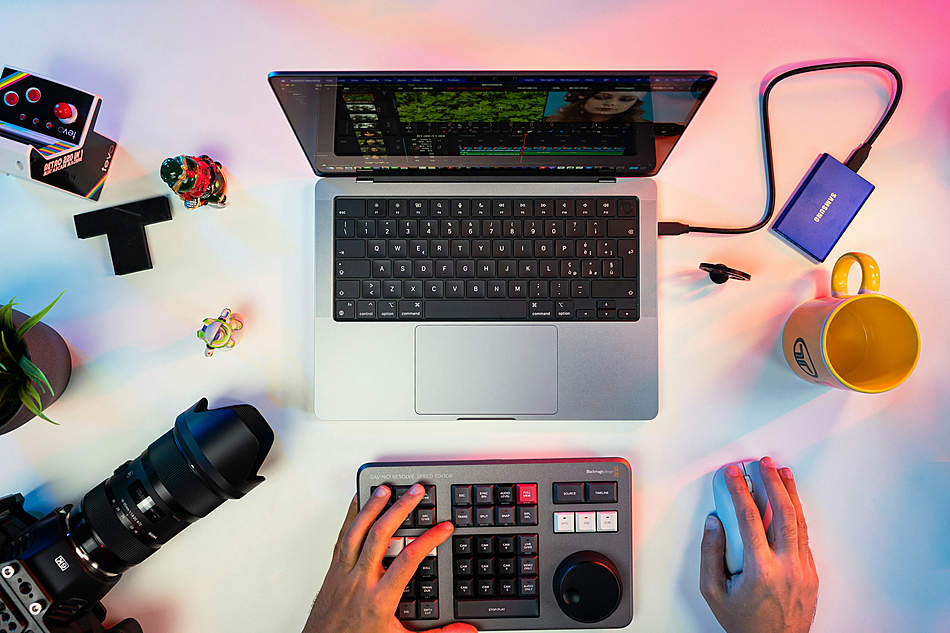
Many beginners waste weeks deciding between Premiere Pro, Final Cut Pro, DaVinci Resolve, or CapCut. The real answer is simpler: learn whichever tool you will actually open every day and become fast in it.
DaVinci Resolve
Free, powerful, and excellent for color work. A strong starting point for serious editors on a budget.
Best free optionPremiere Pro
Common in agencies and remote teams. Useful if you want corporate or marketing clients.
Industry standardFinal Cut Pro
Mac-only, fast, polished, and popular with indie creators and YouTubers.
Mac usersCapCut
Extremely useful for short-form videos, Reels, TikToks, captions, and quick social edits.
Short-form editingSpeed and fluency beat software prestige. A freelancer who edits clean Reels fast in CapCut can earn more than a beginner who owns expensive software but misses deadlines.
What Beginners Get Wrong at the Start
Underpricing to get clients
Starting too low does not always build loyalty. It can train clients to expect basement prices and leave when you raise rates.
No scope of work
“A few tweaks” can become hours of extra work. Confirm deliverables, revision rounds, file formats, and timeline in writing.
A portfolio nobody sees
A beautiful website means nothing if no client finds it. A simple shareable Google Drive or Notion portfolio can work better.
How to Build a Portfolio With Zero Clients
The classic beginner problem is simple: how do you get clients without a portfolio, and how do you build a portfolio without clients? The fastest solution is spec work.
Spec work means editing existing content in your own style or offering one free or discounted edit to a small creator or local business in exchange for permission to use the result in your portfolio.
Create 3–5 strong samples: one short-form Reel, one YouTube talking-head edit, one podcast clip, one real estate or product video, and one before-and-after edit. That is enough to start pitching.
Where to Find Beginner-Friendly Freelance Video Editing Jobs
The platforms matter, but how you show up matters more. Do not just create a profile and wait. Search actively, pitch specifically, and show samples that match the job.
Upwork
High competition but high volume. Great for building a track record if your proposals are specific.
Search: video editing, YouTube editor, short-form video editorFiverr
Works well for niche packages like podcast editing, Reels editing, or YouTube Shorts repurposing.
Search: Reels editor, TikTok editor, podcast video editUnderrated for higher-paying clients. Post native video edits and connect with creators and agencies.
Best for B2B clientsReddit & Discord
Creator communities and subreddits can produce fast early momentum, though volume is inconsistent.
Search: r/forhire, creator serversCold Outreach
Message YouTubers, podcasters, course creators, and local businesses whose videos you can improve.
Best for dream clientsContra / Toptal
Better client quality once you have samples. Toptal is selective; Contra can be more beginner-accessible.
After portfolio samplesWhat to Charge as a Beginner
Pricing is where most beginners panic. Here is a practical starting framework.
| Project Type | Beginner Rate | Notes |
|---|---|---|
| Short-form video under 60 seconds | $25–$80/video | Charge more for custom captions, motion graphics, or fast turnaround. |
| YouTube long-form 8–20 minutes | $75–$200/video | Talking-head edits and heavy B-roll edits are very different workloads. |
| Podcast video edit | $50–$150/episode | Often straightforward and good for beginners. |
| Real estate walkthrough | $40–$120/video | Usually fast turnaround; good for volume-based income. |
| Monthly retainer | $400–$1,500/month | Best target for predictable income and fewer constant pitches. |
The Skills That Separate Good Beginner Editors
Turnaround time
Creators live in content anxiety. Reliable 24–48 hour delivery can make you valuable fast.
Clear communication
Confirm received files, update progress, and tell the client when to expect delivery.
Audience understanding
Watch content in the niche you edit for. Pacing differs between fitness, real estate, podcasts, and finance.
Revision control
Include one or two revision rounds clearly. Extra revisions should cost extra.
The First 90 Days
| Timeline | Focus | What to Do |
|---|---|---|
| Month 1 | Setup and first gigs | Learn one software, build 3–5 portfolio samples, and land one or two small jobs. |
| Month 2 | Speed and client workflow | Improve delivery speed, communication, file organization, and proposal quality. |
| Month 3 | Retainer goal | Use early results to pitch an ongoing monthly package to one client. |
Learn one editing tool well, build 3–5 samples, pick one platform, pitch daily for 30 days, use written agreements from the first paid project, and aim for one monthly retainer by month three.
The Honest Big Picture
The technical barrier for freelance video editing is lower than ever. Free software is powerful, tutorials are everywhere, and clients need more video than before. What is still scarce is the combination of skill, reliability, and professionalism.
Start scrappy. Get one client. Treat them so well they tell someone. Then build from there.
Click Here for More Jobs
Want more beginner-friendly online job guides? Check these related articles next:
FAQs About Freelance Video Editing Jobs
Are freelance video editing jobs good for beginners?
Yes. Beginners can start with short-form videos, podcast clips, YouTube talking-head edits, and simple social media content if they build a small portfolio first.
Which software should beginners learn first?
DaVinci Resolve is a strong free option, CapCut is excellent for short-form content, Premiere Pro is common in agencies, and Final Cut Pro is popular among Mac users.
How much can beginner freelance video editors charge?
Beginners may charge around $25–$80 for short-form videos, $75–$200 for long-form YouTube videos, and $400–$1,500/month for small retainers depending on skill and workload.
Where can I find video editing clients?
Upwork, Fiverr, LinkedIn, Reddit, Discord, Contra, and direct outreach to YouTubers, podcasters, creators, and local businesses are all practical options.
How do I build a portfolio with no clients?
Create spec edits, improve existing content as samples, offer one free or discounted edit to a local business, and build a small folder with 3–5 strong examples.
Is short-form video editing in demand?
Yes. Reels, TikToks, YouTube Shorts, LinkedIn clips, and podcast clips are a major part of freelance video editing demand in 2026.